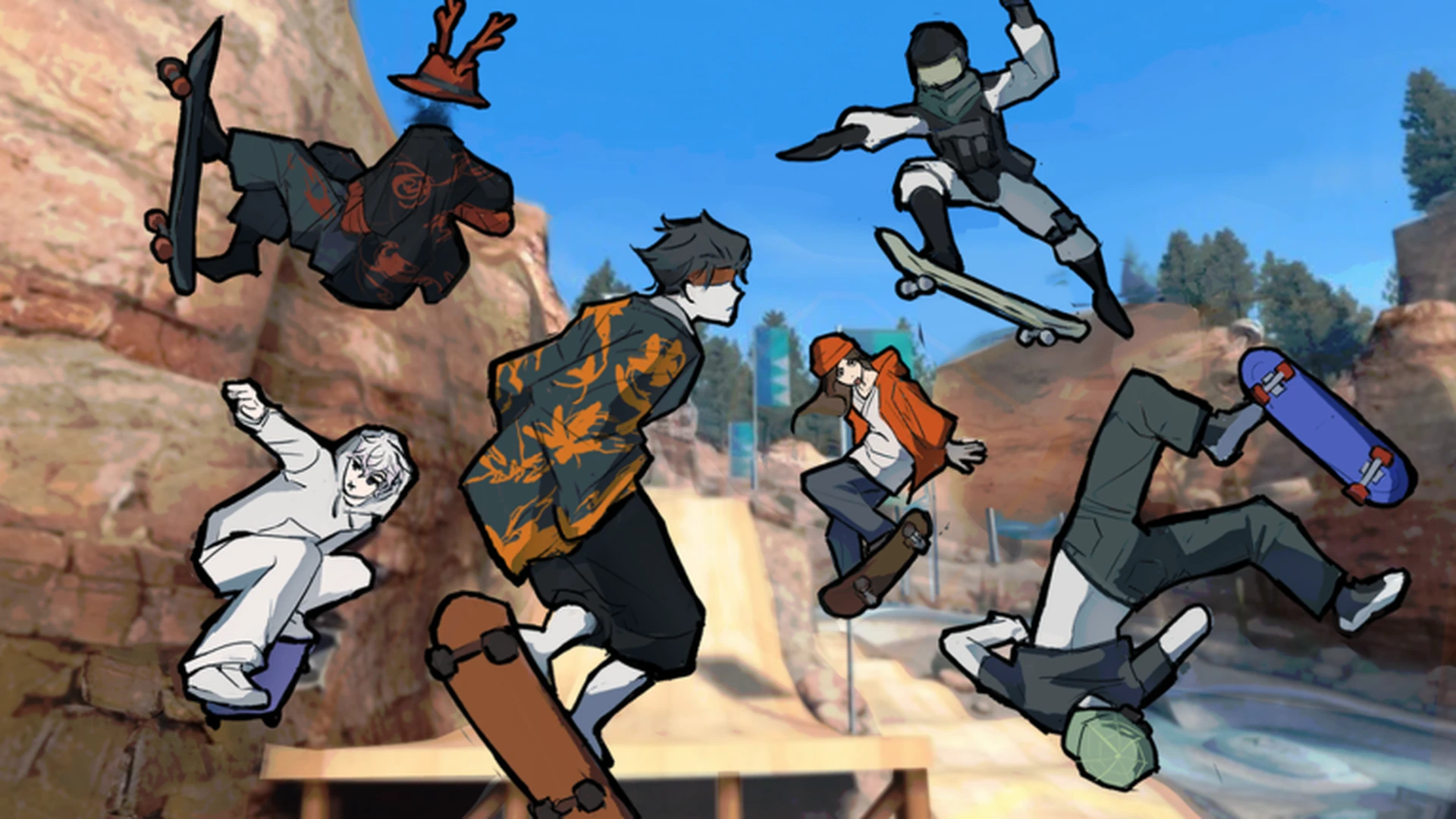
- Skate Tree controls split into movement, jumping, turning, landing, and camera handling.
- Controller play is officially recommended by the developer for the best experience.
- Landings decide everything: release inputs and center the stick before touchdown.
- Tricks build on basics: combine movement, jump, and steering with correct timing.
- Practice order matters: master movement first, then landings, then trick combinations.
Skate Tree Controls Overview
Skate Tree is a Roblox street skateboarding game built around spot skating, trick challenges, and Spot Battles. Before you chase long lines or battle other skaters, you need a firm grip on the core Skate Tree controls. The game's developer notes that playing on a controller delivers the best experience, so this guide covers both input methods side by side.
The control system is organized into a few clear layers: basic movement, jumping, steering, landing recovery, and trick inputs. Each layer builds on the one before it. Players who skip straight to tricks without clean landings usually lose control mid-line and lose points in battles.
| Control Layer | What It Does | Difficulty | Where It Matters Most |
|---|---|---|---|
| Movement | Roll, accelerate, change direction | Basic | Every route on the map |
| Jumping | Leave the ground, hit ramps | Basic | Ramp approaches, gap jumps |
| Turning | Steer while maintaining speed | Basic | Street spots, rail approaches |
| Landing | Recover control after air time | Intermediate | Every trick, every battle run |
| Tricks | Combine inputs for board actions | Intermediate | Lines, challenges, Spot Battles |
| Route Practice | Repeat inputs with consistent timing | Advanced | Multi-obstacle lines, technical runs |
The game description from developer RNE Third Vault states the experience is best on controller. If you have one available, use it — analog steering gives you finer speed and direction control than keyboard taps.
Keyboard Controls for Skate Tree
On keyboard, Skate Tree follows the standard Roblox movement scheme. The game displays the exact key prompts on screen, so check the in-game interface for the authoritative binding before practicing.
| Action | Keyboard Input | Purpose | Difficulty |
|---|---|---|---|
| Move forward / backward | Standard movement keys (W/S layout) | Roll and control speed | Basic |
| Steer left / right | Movement keys (A/D layout) | Adjust direction while skating | Basic |
| Jump | Jump key shown by the game (Space default) | Leave ground, launch off ramps | Basic |
| Camera | Mouse look | Scan routes and spot landing zones | Basic |
| Landing recovery | Release inputs before touchdown | Stabilize the board on impact | Intermediate |
| Trick actions | Follow on-screen prompts | Trigger board tricks and rotations | Intermediate |
The key habit for keyboard players is input release. Holding movement keys into a landing keeps the board pinned in one direction, which causes slips on ledges and rails. Let go, land clean, then re-apply steering.
Keyboard Strengths
- Precise taps for short direction changes
- Familiar Roblox layout
- Easy camera control with mouse look
- Good for slow technical spots
Keyboard Weaknesses
- Binary steering — no analog graduation
- Harder to hold smooth carves
- Landing recovery needs deliberate key releases
- Less ideal for long flowing lines
Roblox games can differ in key assignments. Confirm every binding against the on-screen prompts inside Skate Tree rather than assuming defaults from other skate games.
Controller Controls for Skate Tree
Controller play is where Skate Tree feels most natural, according to the developer's own game description. Analog sticks let you carve, feather speed, and correct rotation mid-air in a way keyboard input can't match.
| Action | Controller Input | Purpose | Difficulty |
|---|---|---|---|
| Move and steer | Left stick | Roll, carve, and adjust direction smoothly | Basic |
| Jump | Controller jump button (A/Cross region) | Launch from flat ground or ramps | Basic |
| Air rotation | Left stick in air | Spin and adjust board angle | Intermediate |
| Landing prep | Center the stick before touchdown | Square up the board for clean landings | Intermediate |
| Trick inputs | Follow on-screen controller prompts | Execute board tricks | Intermediate |
| Camera | Right stick | Track routes and check surroundings | Basic |
The most important controller habit is stick discipline. Keep the left stick neutral as you touch down. A stick held hard left during landing sends the board sliding out from under you, especially on rails and ledges.
On controller, small stick movements produce small direction changes. Use partial tilts on rail approaches and full tilts only on open carving sections — this alone will improve your landing consistency.
Step-by-Step Control Practice Routine
Learning the Skate Tree controls in the right order saves hours of frustration. Follow this routine, spending as long as each step needs before moving on.
Learn the movement area
Spawn in and roll around the starting zone. Test acceleration, stopping, and gentle turns without jumping. Identify ramps, rails, and open paths before attempting anything technical.
Drill basic jumps
Practice flat-ground jumps in an open area. Focus on takeoff timing and landing with a centered stick or released keys. Repeat until landings feel stable.
Add turning and carving
Combine rolling with smooth steering. Practice wide carves first, then tighter turns. Keep speed controlled — you should be able to turn without wobbling or losing the line.
Take it to ramps and obstacles
Move to small ramps and ledges. Approach with enough speed to clear the obstacle, release inputs before touchdown, and roll away clean. Build up to rails only after ledge landings are reliable.
Chain actions into lines
Connect two, then three obstacles in one continuous run. Maintain enough speed for the final obstacle and use the same approach timing on every attempt to build consistency.
A simple line landed cleanly scores and feels better than a hard trick bailed halfway. Prioritize repeatable timing over maximum difficulty while you're still building control.
Control Settings and Troubleshooting
A few setup choices and habits prevent most control problems before they start.
| Problem | Likely Cause | Fix |
|---|---|---|
| Slipping on landings | Inputs held into touchdown | Release keys / center stick before impact |
| Oversteering on rails | Full-tilt steering near obstacles | Use partial tilts on approach |
| Missed jumps | Late takeoff input | Jump slightly earlier on ramp approaches |
| Board drifts mid-air | Stick held during rotation | Tap to rotate, return to neutral |
| Wrong actions trigger | Unverified bindings | Re-check on-screen prompts in game |
| Controls feel off after update | Movement changes in a patch | Restart the game and re-test familiar routes |
Before Your Next Session:
- Confirm all key and button bindings in game
- Test a full lap of the starting area without jumping
- Land ten consecutive flat-ground jumps cleanly
- Complete one two-obstacle line without bailing
- Restart the game after any new update
Movement and trick timing can change with patches. After each Skate Tree update, restart the game and re-run a familiar route to check whether board response has shifted before attempting hard lines or Spot Battles.
Controls FAQ
Q: Does Skate Tree play better on keyboard or controller?
The developer's game description recommends playing on controller for the best experience. Analog steering offers finer control for carving, air rotation, and landing recovery, though keyboard remains fully playable using the on-screen key prompts.
Q: How do I stop slipping when I land tricks in Skate Tree?
Release your movement keys or center the left stick just before touchdown. Holding directional input into the landing pushes the board sideways on impact, which is the most common cause of slipped landings on ledges and rails.
Q: Where can I check the exact Skate Tree controls?
Skate Tree displays its actual key and button prompts inside the game. Always confirm bindings against the in-game interface, since Roblox games can differ from default schemes and bindings may change with updates.
Q: What order should I learn the Skate Tree controls?
Start with movement and turning, then drill basic jumps and landings in an open area, then move to ramps, ledges, and rails, and finally chain multiple obstacles into continuous lines. Mastering landings early makes every later stage easier.