Skate Tree Controls
Complete control layouts for keyboard, controller, and mobile in Skate Tree. Learn every input for pushing, popping, grinding, and spinning so muscle memory builds faster.
What are Skate Tree Controls?
Skate Tree plays best on controller, but every input scheme is fully mapped. This section lists each action (push, pop, grab, grind, revert) and the exact button or key behind it, so you can pick your platform and start landing tricks with confidence.
Why learn the exact controls?
Build muscle memory sooner
Consistent inputs mean your fingers learn trick timing in hours instead of days.
Pick the best platform for you
Compare keyboard, controller, and mobile layouts to choose the setup that fits your play style.
Fix common input mistakes
Small binding and camera settings often explain missed grinds and failed spins before skill does.
Featured Control Setups
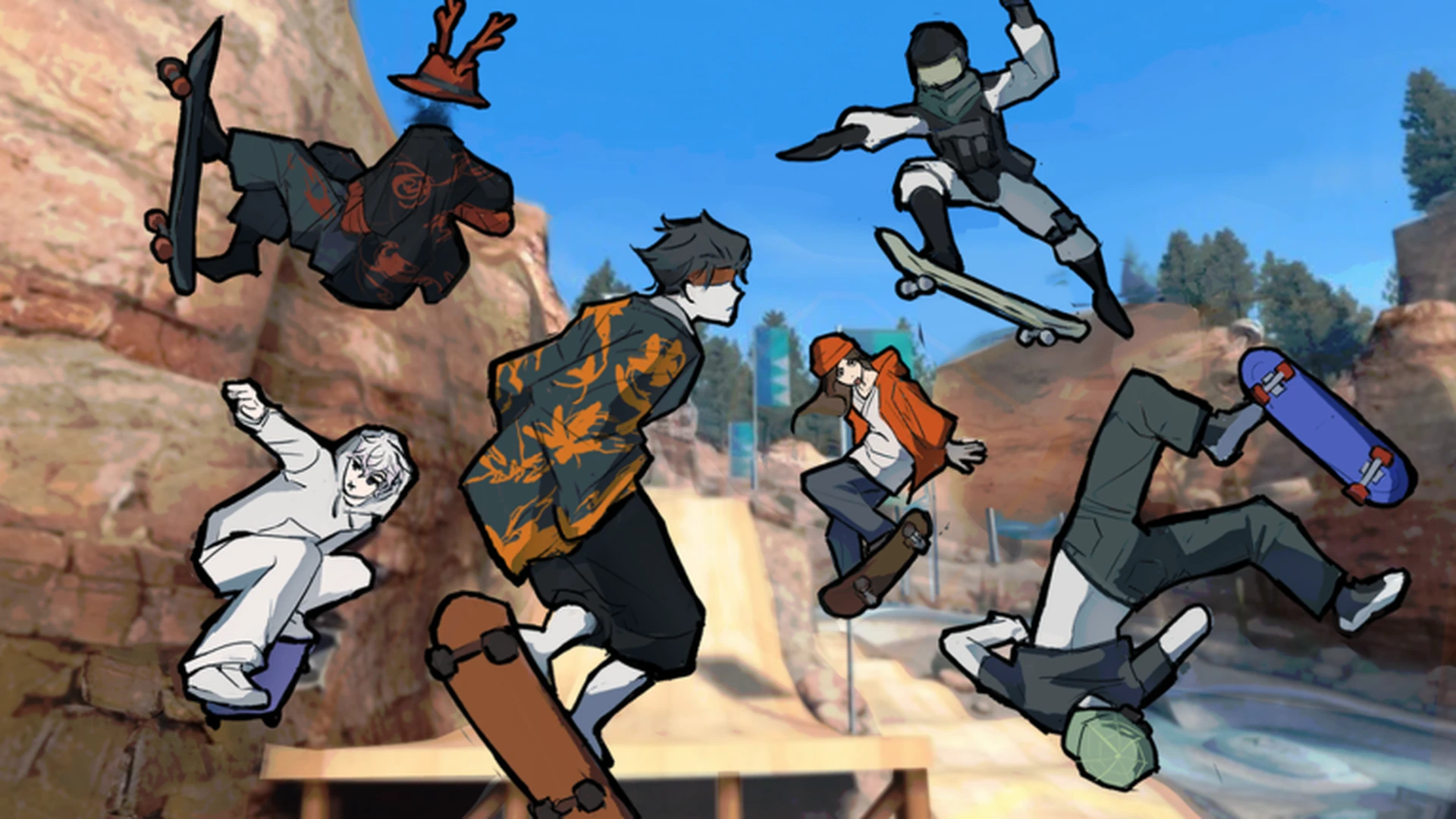
Skate Tree Controller Controls: Gamepad Setup Guide
Learn Skate Tree controller controls on Roblox: stick steering, jump timing, trick inputs, landing recovery, and gamepad settings to skate cleaner lines.
Skate Tree Controls: Keyboard & Controller Setup Guide
Learn every Skate Tree control on keyboard and controller, from movement and jumping to landings, trick inputs, and camera settings for cleaner lines.
All Control Articles
Skate Tree Keyboard Controls: Full Key Setup Guide
Learn every Skate Tree keyboard control: movement, jumping, turning, landing, camera, and key settings tips to skate cleaner lines on Roblox.
Skate Tree Mobile Controls: Touch Setup & Tips
Learn how Skate Tree mobile controls work on Roblox, including touch layout basics, camera handling, landing control, and tips for cleaner lines.
Skate Tree Movement Controls: Keyboard & Controller Setup
Master Skate Tree movement controls with keyboard and controller input tables, steering, jumping, landing recovery, and practice drills for cleaner runs.