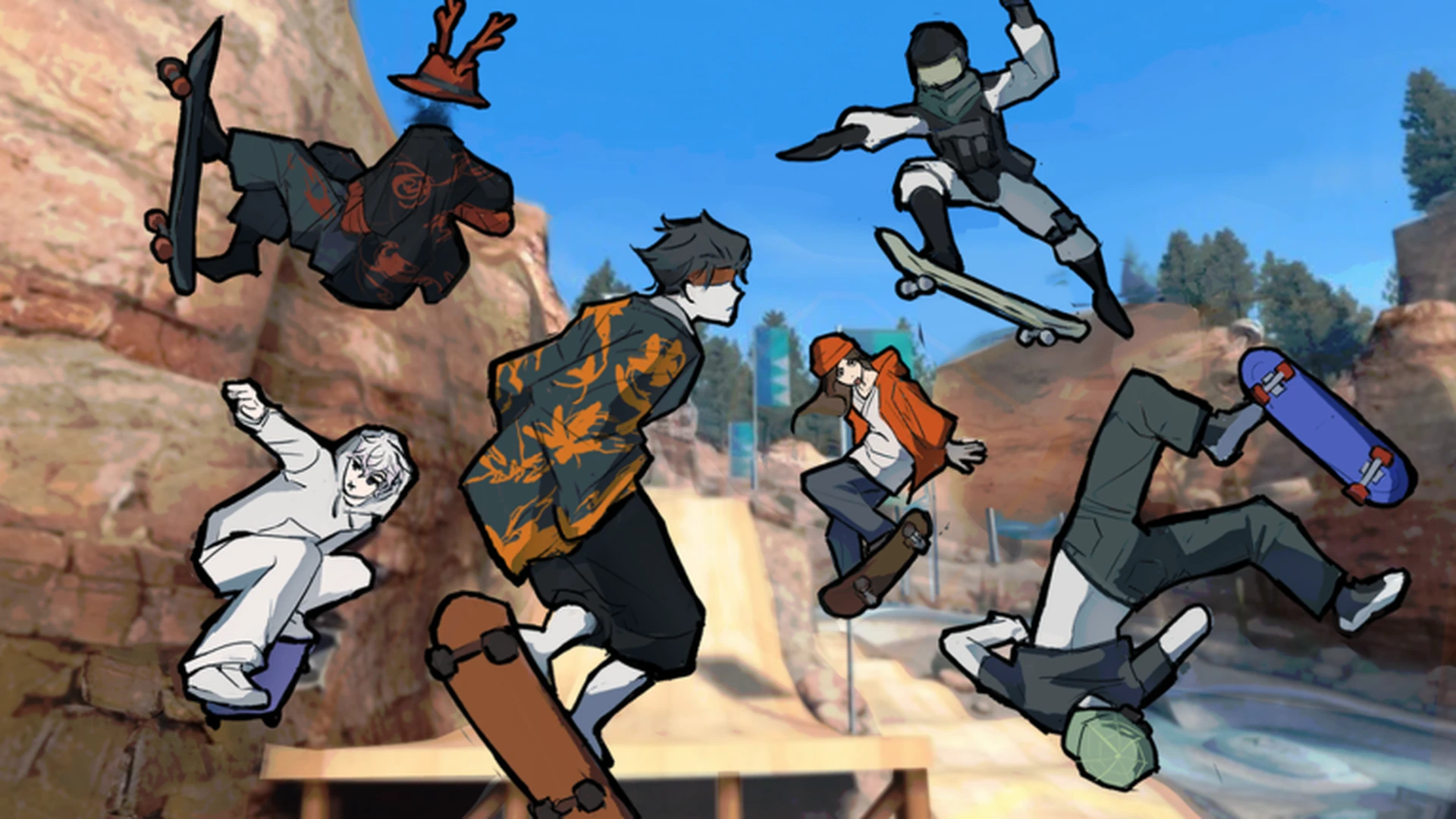
- Skate Tree movement controls split into movement, jumping, turning, landing, and camera input on both keyboard and controller.
- Controller play is highlighted by the developer as the best experience, using the left stick for steering and face buttons for jumps.
- Landing recovery matters more than trick difficulty early on—center your inputs before touching down.
- Practice order: straight lines first, then turns, then jumps, then linked tricks.
- Verify prompts in-game: exact bindings display inside Skate Tree and can change with updates.
Movement Control Basics: Input Overview
Skate Tree is a Roblox street skateboarding game built around spot battles, trick lines, and fluid board movement. Before attempting tricks or competitive spot battles, build a reliable foundation with the core movement controls. The game supports both keyboard and controller input, and the developer notes that playing on a controller delivers the best experience.
Video Highlights:
- No verified official Skate Tree tutorial videos are currently available for embedding.
- Search community gameplay on YouTube: Skate Tree Roblox to see movement in action.
- Always cross-check any community video against the in-game control prompts.
The table below summarizes the essential movement categories you need to learn first:
| Category | Action | Keyboard | Controller | Difficulty |
|---|---|---|---|---|
| Movement | Skate forward and change direction | Standard movement keys shown in-game | Left stick | Basic |
| Jumping | Jump from ground or off a ramp | Jump key shown in-game | Assigned jump button | Basic |
| Turning | Adjust direction while skating | Steer with movement input | Left stick steering | Basic |
| Landing | Recover control after a jump | Release or adjust inputs before touchdown | Center the stick before landing | Intermediate |
| Tricks | Combine movement, jump, steering, timing | Follow on-screen prompts | Follow controller prompts | Intermediate |
Do not rush into tricks. Reliable movement, turning, and landing recovery translate directly into higher scores in Spot Battles, while failed landings cost you entire runs.
Keyboard Controls for PC Players
Keyboard play in Skate Tree follows the standard Roblox input scheme. Use the movement keys to push and steer, the jump key for ollies and ramp launches, and mouse or key input for camera control while skating through street spots.
| Function | Input | Notes |
|---|---|---|
| Push / Move | Standard movement keys (W-A-S-D layout) | Hold to build speed on flat ground |
| Steer | Movement keys left/right | Tap lightly for subtle line corrections |
| Jump | Jump key (Space by default) | Time jumps at ramp edges for height |
| Camera | Mouse / camera controls | Keep camera ahead of your line for ramps |
| Brake / Slow | Release movement input | Easing off speed helps on technical ledges |
Exact bindings are shown inside the game and may differ from default Roblox settings or change after updates. Open the in-game controls menu to confirm before practicing.
Flat-Ground Skating
- Focus: Smooth pushing and steering
- Best for learning board feel
- Practice in the open main area
Ramp Approaches
- Focus: Jump timing at ramp edges
- Build speed before the incline
- Center inputs mid-air
Technical Lines
- Focus: Linked turns and landings
- Combine ledges and rails
- Add tricks only after landings are stable
Controller Controls and Why They Feel Better
The Skate Tree developer states the game plays best on controller, which is common for skateboarding titles because analog steering allows gradual, precise direction changes that digital keys cannot match.
| Function | Input | Why It Helps |
|---|---|---|
| Steering | Left stick | Analog input gives gradual carves and micro-corrections |
| Jump | Assigned face button | Consistent timing for ollies and ramp launches |
| Landing | Center the stick | Neutral stick stabilizes the board before touchdown |
| Speed control | Stick deflection | Partial tilt manages approach speed on ledges |
| Camera | Right stick | Adjust view while keeping steering input clean |
Analog steering means fewer overcorrected turns and cleaner landings—especially valuable in Spot Battles where one bail can end your scoring run.
Step-by-Step Movement Training Plan
Follow this progression to build movement control from scratch. Each step should feel consistent before you move to the next.
Explore the Starting Area
Skate around the main open area without attempting tricks. Identify ramps, rails, and open paths while getting used to steering input.
Practice Straight Lines and Turns
Ride short straight lines, then add gentle turns. Focus on smooth direction changes rather than speed.
Add Jumps and Landings
Jump on flat ground first, then off small ramps. Release or center your inputs before every touchdown to lock in clean landings.
Repeat a Fixed Route
Choose one short route and run it repeatedly with the same approach and timing. Consistency builds the muscle memory needed for tricks.
Link Movement into Trick Lines
Once landings are reliable, follow the on-screen trick prompts and begin connecting jumps, turns, and tricks into continuous lines.
Repeated clean runs on an easy route build more progress than repeated failed attempts at hard tricks. Prioritize objectives you can complete consistently.
Common Movement Mistakes and Fixes
| Mistake | Effect | Fix |
|---|---|---|
| Holding inputs during landing | Bails and lost speed | Release keys / center stick before touchdown |
| Overcorrecting steering | Wobbly lines, missed ramps | Make small, gradual inputs |
| Jumping too early on ramps | Low height, flat landings | Jump at the ramp edge, not the base |
| Ignoring camera control | Surprise obstacles | Keep the camera ahead of your line |
| Skipping basics for tricks | Inconsistent scoring in battles | Drill movement and landing first |
Movement Mastery Checklist:
- Skate the starting area without losing control
- Land ten consecutive jumps cleanly
- Complete a fixed route with identical timing three times
- Steer through a turn-heavy section without stopping
- Link a jump, turn, and landing in one continuous line
Movement and trick timing can change with game updates. Revisit familiar routes after major patches to re-calibrate your timing. Check the official Skate Tree Roblox page for the latest version.
FAQ
Q: What are the basic Skate Tree movement controls?
Core movement includes pushing with movement keys or the left stick, jumping with the assigned jump input, steering with directional input, and recovering landings by releasing or centering inputs before touchdown. Exact bindings are displayed in-game and may change with updates.
Q: Is a controller required to play Skate Tree?
No, keyboard play works, but the developer states the game is best experienced on a controller because analog stick steering allows more precise, gradual direction changes.
Q: How do I stop bailing on landings?
Release movement keys or center the analog stick before touching down. Most early bails come from holding steering input during landing rather than from trick difficulty.
Q: Should I learn tricks before mastering movement?
No. Build movement, turning, and landing consistency first. Clean landings and controlled lines are the foundation for higher scores in Spot Battles and for linking advanced trick combinations later.