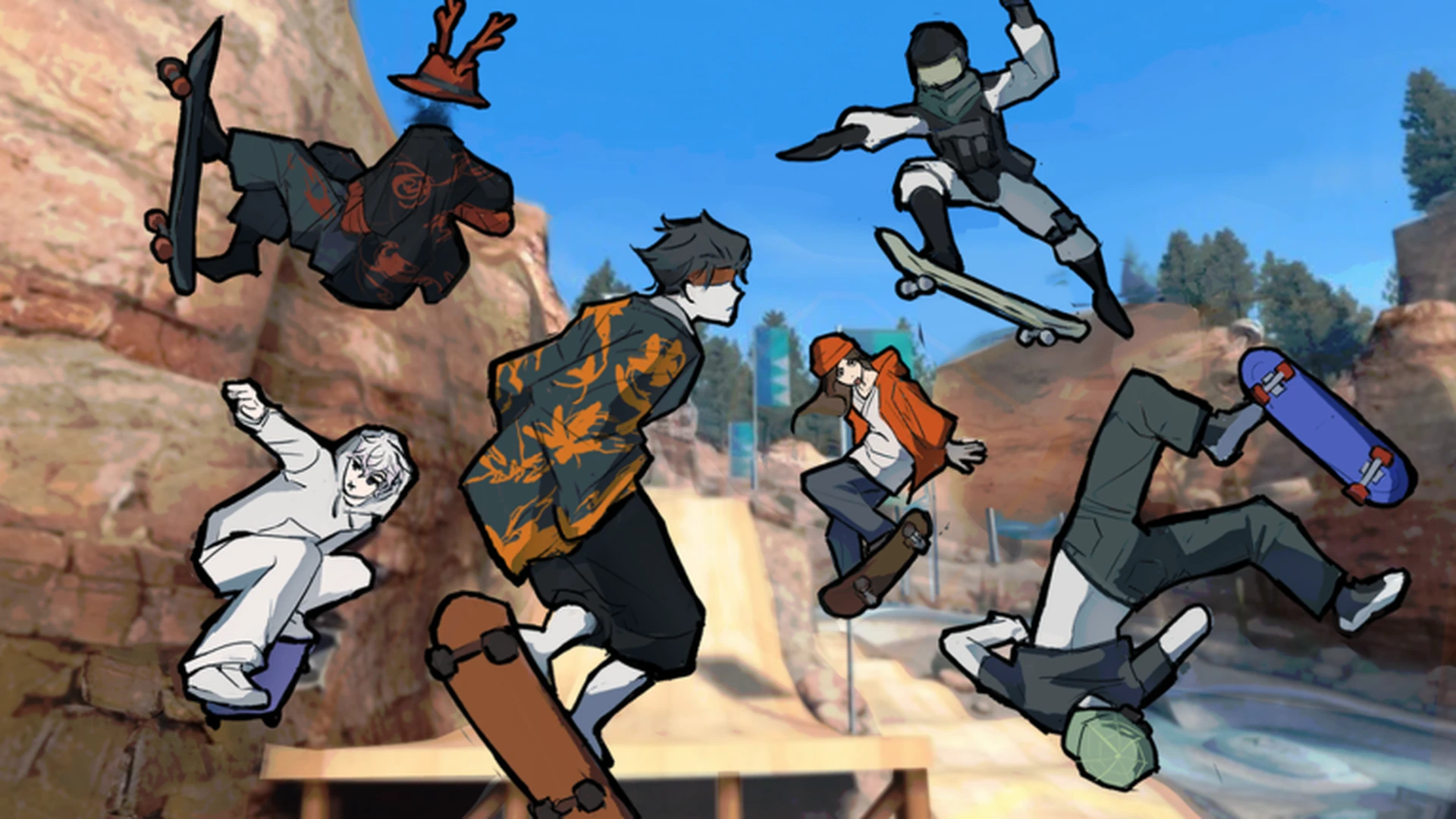
- Skate Tree beginner guide: Skate Tree is a Roblox street skateboarding game built around spots and trick lines.
- Start with movement: Learn pushing, jumping, turning, and controlled landings before attempting tricks.
- Controller recommended: The developer states the game plays best on a controller.
- Progression path: Complete easy objectives first, then move to linked trick lines and Spot Battles.
- Community status: Over 129K visits with a 95% positive rating as of October 2026.
What Is Skate Tree?
Skate Tree is a street skateboarding game on Roblox developed by the group RNE Third Vault. Released on October 3, 2026, the game focuses on skating street spots, landing tricks, and competing in its signature Spot Battles mode with up to 12 players per session.
The core loop is simple: skate around the map, find spots that suit your skill level, practice lines, and use completed objectives to unlock more content. Because the game launched recently, controls and map details may change with updates, so recheck movement behavior after each patch.
| Game Fact | Detail |
|---|---|
| Platform | Roblox |
| Developer | RNE Third Vault (Group 588981460) |
| Genre | Sports & Racing (skateboarding) |
| Release Date | October 3, 2026 |
| Max Players | 12 per server |
| Rating | 95% positive (1,060 up / 55 down) |
| Visits | 129,347+ (as of Oct 10, 2026) |
The official game description notes that Skate Tree is best experienced with a controller. If you have one available, connect it before your first session so the on-screen prompts match your inputs.
Controls You Need First
Master these basic inputs before anything else. Exact key prompts are shown in-game and may differ slightly between keyboard and controller.
| Action | Keyboard | Controller | Difficulty |
|---|---|---|---|
| Move and steer | Standard movement keys | Left stick | ★☆☆☆☆ |
| Jump | Jump key shown in-game | Assigned jump button | ★☆☆☆☆ |
| Turn while skating | Movement input | Left stick steering | ★★☆☆☆ |
| Land cleanly | Release inputs before touchdown | Center the stick | ★★★☆☆ |
| Tricks | On-screen action prompts | Controller prompts | ★★★☆☆ |
| Consistent lines | Repeated timing on routes | Controlled directional input | ★★★★☆ |
Movement First
- Push and steer around the spawn area
- Learn speed control
- Stop safely before obstacles
Jump Timing
- Practice short jumps on flat ground
- Approach small ramps slowly
- Land with the board level
Landing Control
- Release inputs before touchdown
- Avoid over-steering mid-air
- Reset to center after each landing
New players often attempt the hardest tricks immediately. Focus on smooth landings and controlled turns first — they matter far more than flashy tricks during your first hour.
Your First Session: Step-by-Step
Follow this order in your first session to build solid fundamentals while earning early progress.
Explore the spawn area
Skate around the starting zone to identify open paths, ramps, rails, and interactive locations. Spend several minutes just moving before attempting tricks.
Practice basic actions
Combine movement, jumping, turning, and landing until the skating physics feel predictable. Repeat the same short line until landings are reliable.
Complete beginner objectives
Finish the easiest starter tasks and simple challenges to learn how Skate Tree rewards normal play and to build early progression.
Explore further routes
Once the core loop feels natural, explore for new routes, street sections, and spots suited to longer trick lines.
Reinvest rewards
Use rewards from completed activities to unlock additional content and target more advanced challenges, including Spot Battles.
If you can skate through the starting area without losing control and land basic jumps consistently, you are ready for street spot routes and beginner Spot Battles.
Where to Practice: Beginner Spots
The map offers different area types, each suited to a stage of learning. Match your practice location to your current skill.
| Area Type | Best For | Recommended Practice |
|---|---|---|
| Main Skate Area | Learning controls, basic tricks | Short straight lines, then add turns and jumps |
| Street Spot Routes | Linking tricks, rails, ledges | Approach with enough speed, leave room to recover |
| Open Practice Area | Landing consistency, timing | Repeat one movement several times before varying |
| Exploration Routes | Map knowledge, alternate lines | Follow ramps and slopes instead of stopping after obstacles |
Spot Battles is the competitive mode shown in the game's public title. Enter it only after your landings are consistent — battle scoring rewards clean, successful tricks over risky attempts.
Beginner Progression Checklist
Track these milestones during your first few sessions. Each one builds directly on the previous step.
First Week Milestones:
- Skate the starting area without losing control
- Land 10 consecutive basic jumps cleanly
- Complete all beginner objectives
- Finish one multi-obstacle street line
- Join your first Spot Battles session
Prioritize objectives you can complete consistently rather than repeating difficult attempts too early. Steady completions advance your account faster than risky trick attempts that fail.
FAQ
Q: Is a controller required to play Skate Tree?
No, but the developer states the game is best experienced on a controller. Keyboard works for movement and jumps, while controller prompts match the on-screen trick inputs more naturally.
Q: What should I do first in this Skate Tree beginner guide order?
Start by exploring the spawn area and practicing movement, jumping, turning, and landings. Only move on to tricks and challenges after basic control feels reliable.
Q: What is Spot Battles?
Spot Battles is Skate Tree's competitive mode where players compete at skate spots with up to 12 players per server. It rewards clean, high-success tricks, so enter it after building landing consistency.
Q: Does Skate Tree have codes?
There are currently no publicly verified active codes for Skate Tree. Watch the official Roblox game page and the developer group RNE Third Vault for any future code announcements.