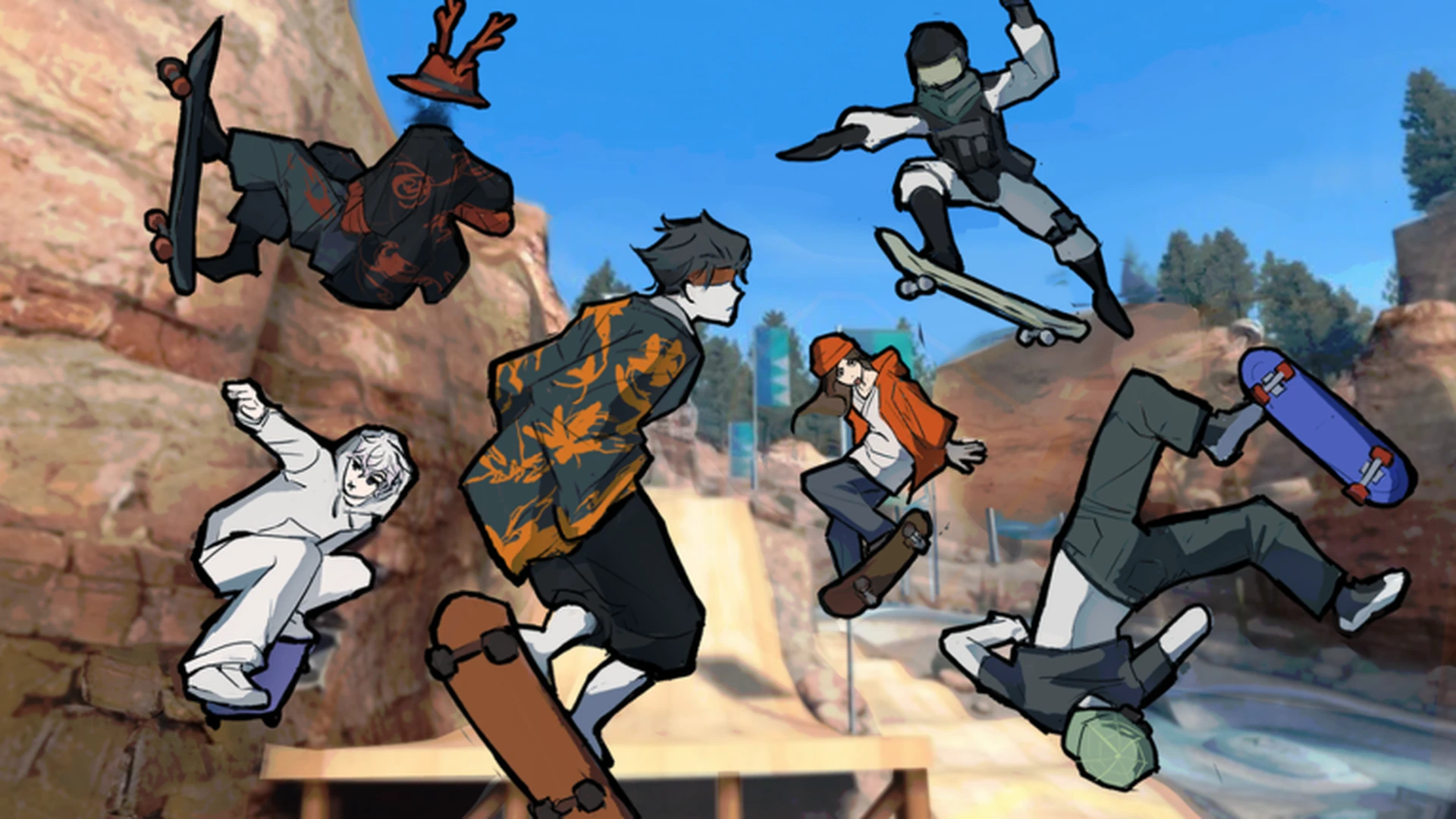
- Skate Tree is a Roblox street skateboarding game built around spots, tricks, and Spot Battles.
- Start slow: master movement, turning, and landings before attempting advanced tricks.
- Best setup: the developer notes that playing on a controller gives the best experience.
- Progression path: easy objectives first, then longer lines and technical sequences.
- Core loop: skate, complete challenges, earn rewards, unlock harder routes.
What Is Skate Tree?
Skate Tree is a street skateboarding game on Roblox developed by RNE Third Vault, released on October 3, 2026. The game focuses on street spots, trick challenges, and its signature Spot Battles competitive mode, with up to 12 players per server.
Since launch, the game has drawn a strong response — over 129,000 visits and a 95% positive rating from more than 1,100 votes as of October 2026. The developer actively updates the game, and the title page highlights "SPOT BATTLES" as its flagship mode.
The official game description recommends using a controller for the best experience. While keyboard works, controller sticks give finer steering control for landings and trick timing.
| Game Detail | Info |
|---|---|
| Developer | RNE Third Vault (Roblox Group) |
| Platform | Roblox |
| Genre | Sports & Racing / Skateboarding |
| Release Date | 2026-10-03 |
| Max Players | 12 per server |
| Rating | 95% positive (1,060 up / 55 down) |
Getting Started: First Session Steps
New players should spend their first session building control, not chasing tricks. Follow this order to reduce early frustration.
Enter and survey the starting area
Spawn in, then move around the main open area to identify ramps, rails, ledges, and open paths before attempting anything technical.
Practice basic movement and landings
Repeat movement, jumping, turning, and landing until you can cross the starting area without losing control. Smooth landings matter more than big tricks early on.
Complete beginner objectives
Finish the easiest available tasks to learn how Skate Tree rewards normal play and to build early progression.
Explore routes and alternate lines
Travel between skating areas to find connected routes, side paths, and less obvious transitions between spots.
Use rewards to unlock the next challenge
Check what new activities or content your rewards unlock, and pick your next objective from what is now accessible.
Trying hard tricks before landing control is reliable leads to repeated failed attempts. Prioritize objectives you can complete consistently over flashy single tricks.
Controls and Trick Fundamentals
Controls in Skate Tree cover movement, jumping, steering, and landing recovery. The exact prompts depend on your input device, but the skill ladder is the same.
| Category | Action | Keyboard | Controller | Difficulty |
|---|---|---|---|---|
| Movement | Move and steer | Standard movement keys | Left stick | Basic |
| Jumping | Jump or hit a ramp | Jump key | Assigned jump button | Basic |
| Turning | Adjust direction | Movement input | Left stick steering | Basic |
| Landing | Recover after a jump | Release inputs before touchdown | Center the stick | Intermediate |
| Tricks | Combine jump, steer, timing | On-screen prompts | On-screen prompts | Intermediate |
| Consistency | Repeat a route cleanly | Same approach each time | Deliberate input | Advanced |
Repeat the same movement several times before adding direction changes or extra tricks. Consistency on one line builds the timing needed for combinations later.
Spots and Routes to Know First
The map is built for exploration. Different areas serve different practice goals — pick the one matching your current objective.
Main Skate Area
- Starting zone, open space
- Learn controls and basic tricks
- Short straight lines first, then add turns and jumps
Street Spot Routes
- Rails, ledges, ramps, elevation
- Best for linking tricks into longer lines
- Keep enough speed to clear obstacles, room to recover
Open Practice Area
- Spacious, low-pressure
- Timing and landing consistency
- Experiment with movement freely
Exploration Routes
- Connects the main areas
- Find alternate lines and hidden transitions
- Follow slopes and open paths for continuous movement
Hidden Details Worth Checking
- Off-route paths: skirt the edges of familiar areas; test ramps that look disconnected.
- Unusual interactions: stop near standout scenery instead of skating past it.
- Alternate trick lines: re-approach known obstacles from a different direction or with more speed — some decorative-looking routes become viable.
- Quiet corners: isolated platforms and upper levels away from main traffic are easy to miss.
Hidden areas are easier to notice when you explore without trying to complete a trick line. Learn the main map first so you can tell which areas are optional.
Challenges, Progression, and Spot Battles
Challenges are easiest when approached in difficulty order. This table ranks the main challenge types by priority for newer players.
| Difficulty | Challenge | Requirement | Priority | Strategy |
|---|---|---|---|---|
| Beginner | Basic movement objectives | Traverse area, control direction, simple jumps | High | Repeat the same movement until landings are reliable |
| Beginner | Land individual tricks | Complete single tricks without losing control | High | Focus on timing over speed in a clear section |
| Advanced | Multi-obstacle line | Connect jumps, rails, ledges in one route | Medium | Plan in sections, keep speed for the final obstacle |
| Hard | Technical trick sequence | Precise movement, timing, controlled landings | Medium | Practice each obstacle separately first |
For Spot Battles — the flagship competitive mode — apply the same logic: pick high-success-rate actions, watch how opponents route each spot, and minimize failed attempts. One clean landed line usually beats several risky ones.
After each milestone, check newly available activities, routes, and rewards. Let the newest unlocked content choose your next goal rather than repeating mastered challenges.
Essential Milestones:
- Cross the starting area without losing control
- Land 5 basic tricks cleanly
- Complete all beginner objectives
- Link a 3-obstacle line in one run
- Enter and finish a Spot Battles session
FAQ
Q: Is a controller required to play Skate Tree?
No, but the developer's game description states that playing on a controller offers the best experience. Keyboard works fine for learning, while controller sticks provide finer steering control for landings and trick timing.
Q: What should I do first in Skate Tree as a beginner?
Spend your first minutes in the main open area practicing movement, jumping, turning, and landings. Then complete the easiest available objectives before exploring routes or attempting advanced tricks.
Q: Which challenges should I prioritize?
Follow a difficulty order: beginner movement objectives first, then single tricks, multi-obstacle lines, and finally technical sequences. Milestone challenges reward progression and unlock harder content.
Q: Where do I find Skate Tree codes?
There are currently no publicly verified codes for Skate Tree. Watch the official Roblox game page and the developer group RNE Third Vault for announcements, since code availability can change with updates.