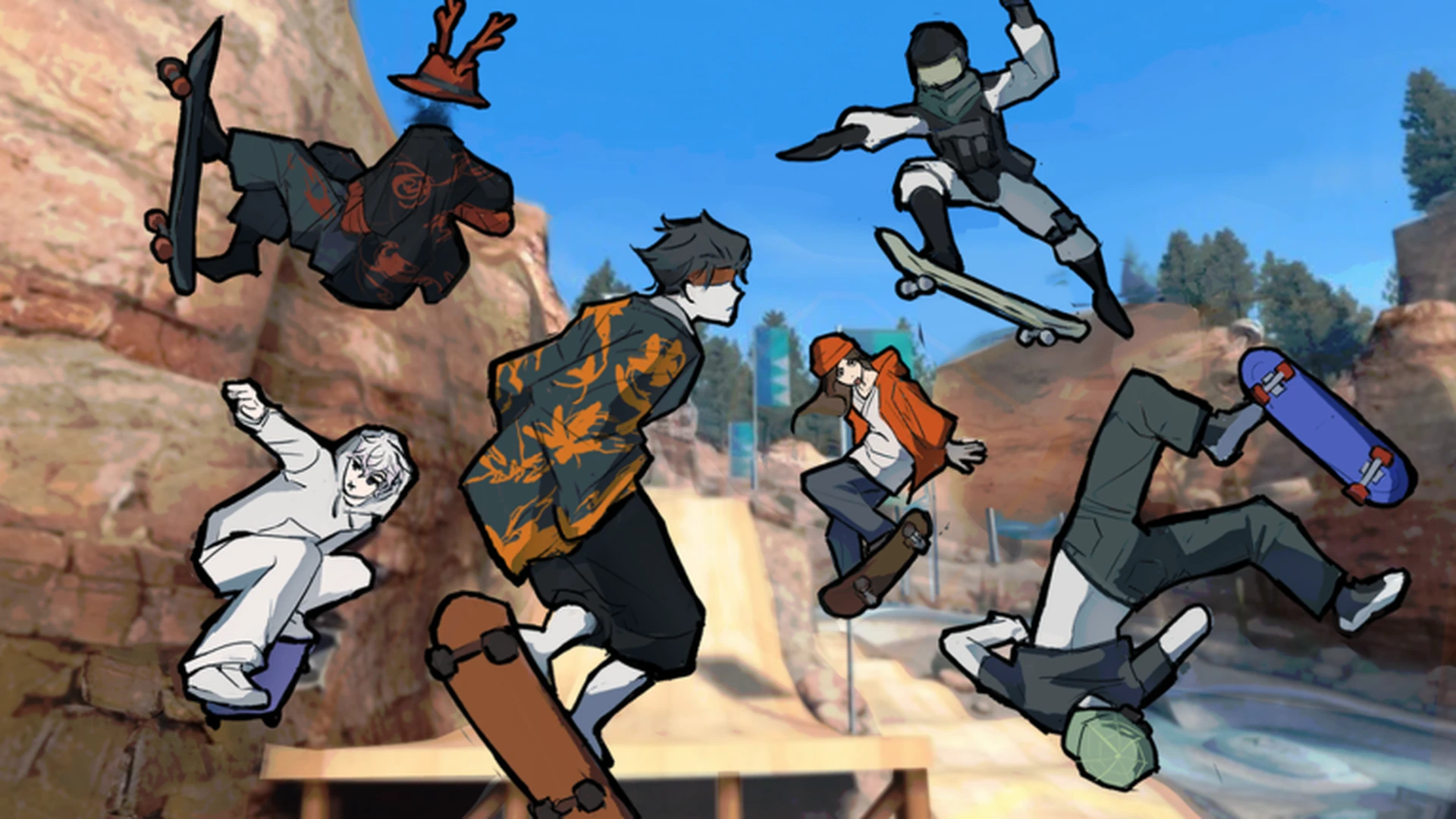
- Skate Tree is a Roblox street skateboarding game built around spots, tricks, and Spot Battles
- Start slow: master movement, turning, and landings before attempting hard tricks
- Core loop: skate a route, land tricks cleanly, complete objectives, earn progression
- Best experience: the developer recommends playing with a controller
- Current status: no verified active codes; always redeem through the official in-game menu
What Is Skate Tree and How the Game Works
Skate Tree is a skateboarding game on Roblox developed by the group RNE Third Vault, focused on street spots, trick challenges, and its signature Spot Battles mode. Released on October 3, 2026, the game supports up to 12 players per server and falls under the Sports & Racing genre. According to the official Roblox games API data from October 10, 2026, it has already passed 129,000 visits with a 95% positive rating (1,060 up votes to 55 down votes).
The gameplay centers on a simple but skill-based loop: you skate around a map filled with ramps, rails, ledges, and street obstacles, perform tricks, and either practice freely or compete against other players in spot-based battles. The developer notes that the game plays best on a controller, though full keyboard support exists.
You can jump in directly through the official Skate Tree Roblox page.
| Game Detail | Information |
|---|---|
| Platform | Roblox |
| Developer | RNE Third Vault (Group 588981460) |
| Release Date | October 3, 2026 |
| Genre | Sports & Racing |
| Max Players per Server | 12 |
| Total Visits (Oct 2026) | 129K+ |
| Positive Rating | 95% |
| Recommended Input | Controller |
Skate Tree is an independent Roblox game and is not affiliated with EA or the skate. franchise. Do not expect mechanics from console skate games to transfer directly, learn the controls in-game first.
How to Play Skate Tree: Step-by-Step First Session
This walkthrough covers exactly what to do in your first session, from spawning in to attempting your first tricks. Follow the order, each step builds on the previous one.
Spawn In and Survey the Starting Area
When you load into Skate Tree, do not rush into tricks. Ride around the main open area first and identify ramps, rails, ledges, and paths. Understanding the layout of the starting zone makes every later route easier to plan.
Learn the Movement Controls
Get comfortable with moving, steering, jumping, and braking. On controller, the left stick handles steering; on keyboard, use the standard movement keys the game displays. Spend several minutes on flat ground before approaching obstacles.
Practice Jumps and Landings
Jumping is easy, landing is not. Practice small jumps on flat ground, then approach a ramp with moderate speed and focus on recovering control after touchdown. Clean landings matter more than big air at this stage.
Attempt Your First Tricks
Once landings feel reliable, try combining jump timing with directional input to perform basic tricks. Follow the on-screen prompts the game provides. Land each trick individually before chaining them together.
Explore Routes and Enter Spot Battles
With the basics down, explore street spot routes that connect rails, ledges, and ramps into longer lines. When you feel consistent, join the Spot Battles mode to test your tricks against other players.
If you can ride a full route through the starting area without losing control and land three tricks in a row, your first session was a success. Progress in Skate Tree comes from consistency, not one-off lucky landings.
Controls Reference: Keyboard vs Controller
Skate Tree displays its own in-game prompts, and exact bindings can vary, but the functional breakdown below covers how each input category is used on both platforms. The developer explicitly states the controller experience is the smoothest.
| Category | Action | Keyboard | Controller | Difficulty |
|---|---|---|---|---|
| Movement | Skate and change direction | Standard movement keys | Left stick | Basic |
| Jumping | Jump or launch off a ramp | Jump key shown in-game | Assigned jump button | Basic |
| Turning | Steer while skating | Movement input | Left stick steering | Basic |
| Landing | Recover after a trick | Release inputs before touchdown | Center the stick | Intermediate |
| Tricks | Combine jump, steer, and timing | On-screen prompts | On-screen prompts | Intermediate |
| Lines | Repeat a full route consistently | Same approach each attempt | Deliberate directional input | Advanced |
Do not copy control schemes from other Roblox skate games or console skate titles. Bindings in Skate Tree are shown by the game itself, always confirm inputs on screen rather than assuming.
Where to Skate: Map Areas and What to Practice
The map in Skate Tree is designed around exploration and route-building. Different areas serve different practice goals, so choose your location based on what you are trying to improve.
Main Skate Area
- Best for: learning controls and basic tricks
- Open space with forgiving layout
- Start with straight lines, then add turns and jumps
Street Spot Routes
- Best for: linking tricks into lines
- Rails, ledges, ramps, elevation changes
- Carry enough speed to clear obstacles but leave recovery room
Open Practice Area
- Best for: landing consistency
- Repeat the same jump without route pressure
- Ideal for timing drills and experimenting
Exploration Routes
- Best for: learning the map
- Connects multiple spots and alternate paths
- Builds route awareness for Spot Battles
Hidden details also exist off the main routes. Side paths, unusual scenery, and isolated platforms often reward players who slow down and explore rather than racing through trick lines.
| Spot Type | Practice Goal | Key Tip |
|---|---|---|
| Flat open ground | Landing control | Repeat identical jumps before varying them |
| Rails and ledges | Grind-style tricks | Approach with controlled speed, not maximum speed |
| Ramp lines | Air and rotation | Plan the landing zone before you take off |
| Connecting paths | Route memory | Skate routes end to end without stopping |
| Edge areas | Discovery | Check corners and platforms away from traffic |
Revisit early areas after your control improves. Routes that felt impossible in your first hour often become the most reliable lines once your timing sharpens.
Spot Battles, Challenges, and Progression
Spot Battles is the competitive core of Skate Tree, referenced directly in the game's official page title. Battles are scored around performing tricks at spots, which means your single-player practice directly feeds your battle performance. Players who can land tricks consistently under no pressure are the ones who score when opponents are watching.
Progression follows a natural order: master movement, complete beginner objectives, improve route consistency, then take on advanced multi-obstacle lines and battle opponents.
| Stage | Focus | Goal |
|---|---|---|
| 1 | Basic movement loop | Navigate the starting area without losing control |
| 2 | Beginner objectives | Build early rewards from simple tasks |
| 3 | Route consistency | Reduce failed landings on familiar lines |
| 4 | Advanced challenges | Chain jumps, rails, and tricks in sequence |
| 5 | New unlocked content | Follow the newest available challenge as your target |
For challenge difficulty, prioritize high-value beginner goals first, then move to medium-priority multi-obstacle lines. Hard technical sequences are worth attempting only after you can complete each obstacle separately with confidence.
Beginner Milestones to Hit First:
- Ride the full starting area without falling
- Land 10 clean jumps in a row
- Complete all starter objectives
- Land your first trick off a ramp
- Skate one full street route end to end
- Enter your first Spot Battle
There are currently no verified active codes for Skate Tree. If codes are released, they will be redeemed through the in-game menu. Avoid any site listing specific code values without an official source.
FAQ
Q: How do I play Skate Tree?
Open the official Skate Tree page on Roblox and join a server. Start in the main open area, learn movement and jumping, practice clean landings, then move to street routes and Spot Battles. A controller is recommended for the best experience.
Q: Is a controller required to play Skate Tree?
No, keyboard works, but the developer states the game is best experienced on a controller. Steering with the left stick tends to give finer control for landings and trick timing.
Q: What is Spot Battles in Skate Tree?
Spot Battles is the game's competitive mode where players perform tricks at spots for score. Success depends on trick consistency and route knowledge built during free practice.
Q: Are there active codes for Skate Tree right now?
As of October 2026, no verified active codes exist. Any redemption should be done through the official in-game menu, and code values should only be trusted if announced by the developer group RNE Third Vault.